The Hidden Cost of a Slow Website: A Developer's Guide to Performance Engineering
Written by Kok Hong published on Aug 21, 2026
Web Performance Engineering: Designing Fast Digital Platforms
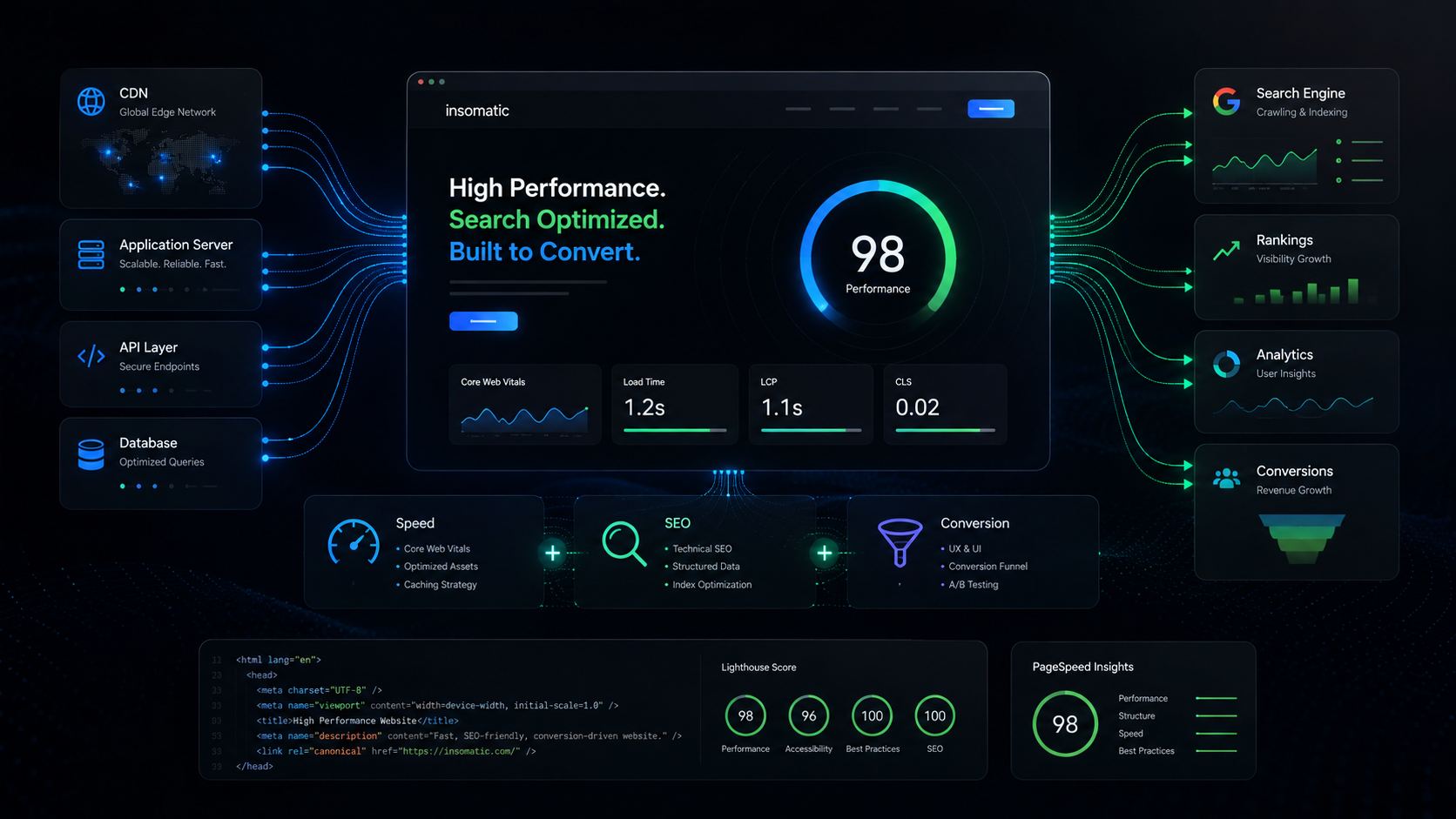
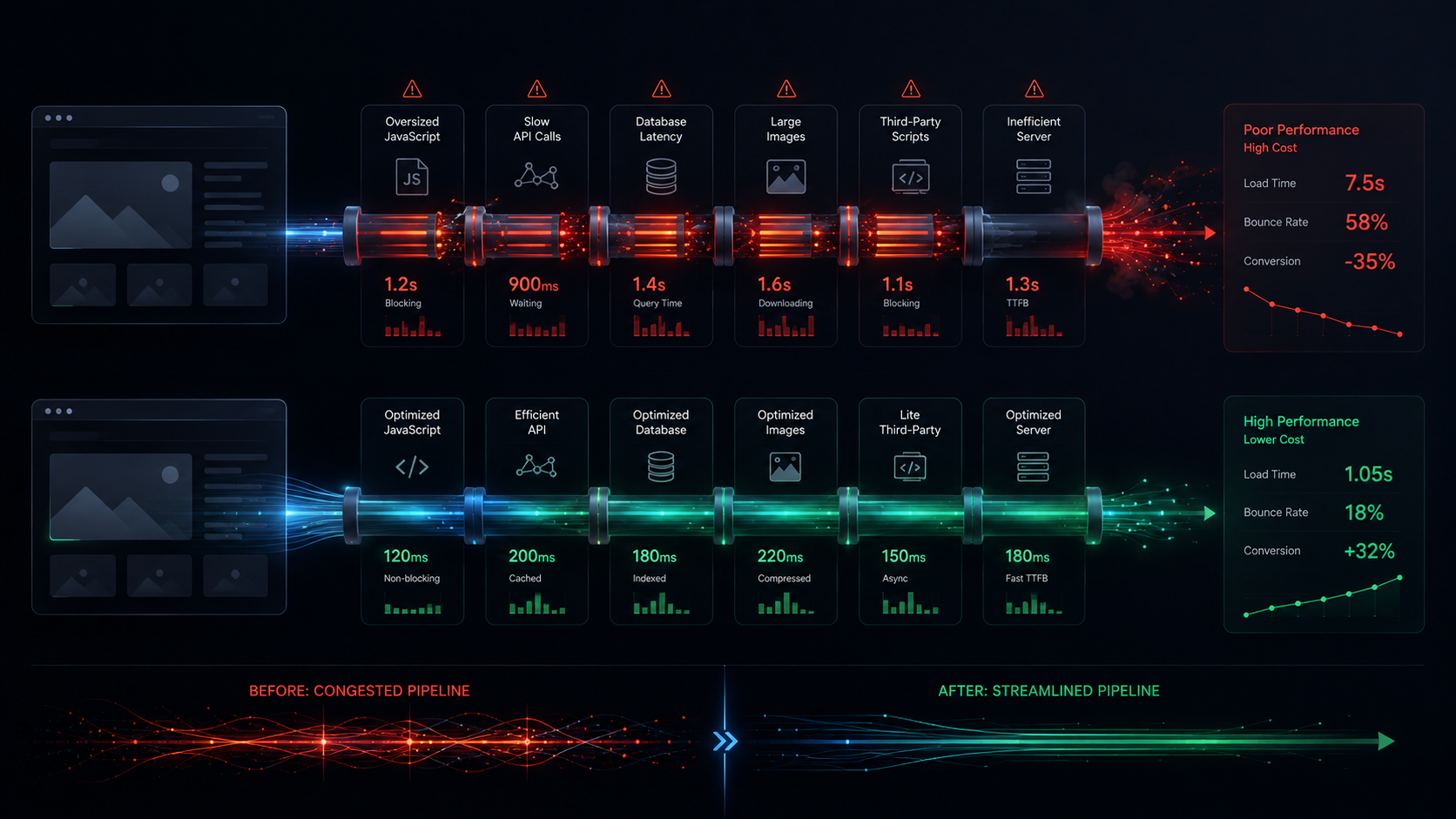
A slow website does not simply feel slower; it can cost a business customers through abandoned experiences, reduced search visibility, and lower conversion rates. Yet, performance is still frequently treated as a final optimization exercise rather than an architectural foundation. A web request passes through multiple layers—from DNS and CDNs to servers, applications, APIs, databases, rendering, and interaction—meaning a delay at any point can affect the final user experience.
Start With Measurement
The first rule of performance engineering is to measure before optimizing. Useful metrics include Time to First Byte (TTFB), Largest Contentful Paint (LCP), Interaction to Next Paint (INP), Cumulative Layout Shift (CLS), total page weight, JavaScript execution time, number of requests, API latency, database query duration, and cache hit rates. Without measurements, developers often optimize what they assume is slow rather than what is actually slow.
When a page takes four seconds to become usable, you must identify where the time goes:
Server response 800 ms
API requests 900 ms
Database 500 ms
JavaScript 900 ms
Images 600 ms
Browser rendering 300 ms
Performance is typically the sum of several problems, meaning improving one small component will not produce a meaningful improvement if another remains the dominant bottleneck.
Server Performance and Network Dependencies
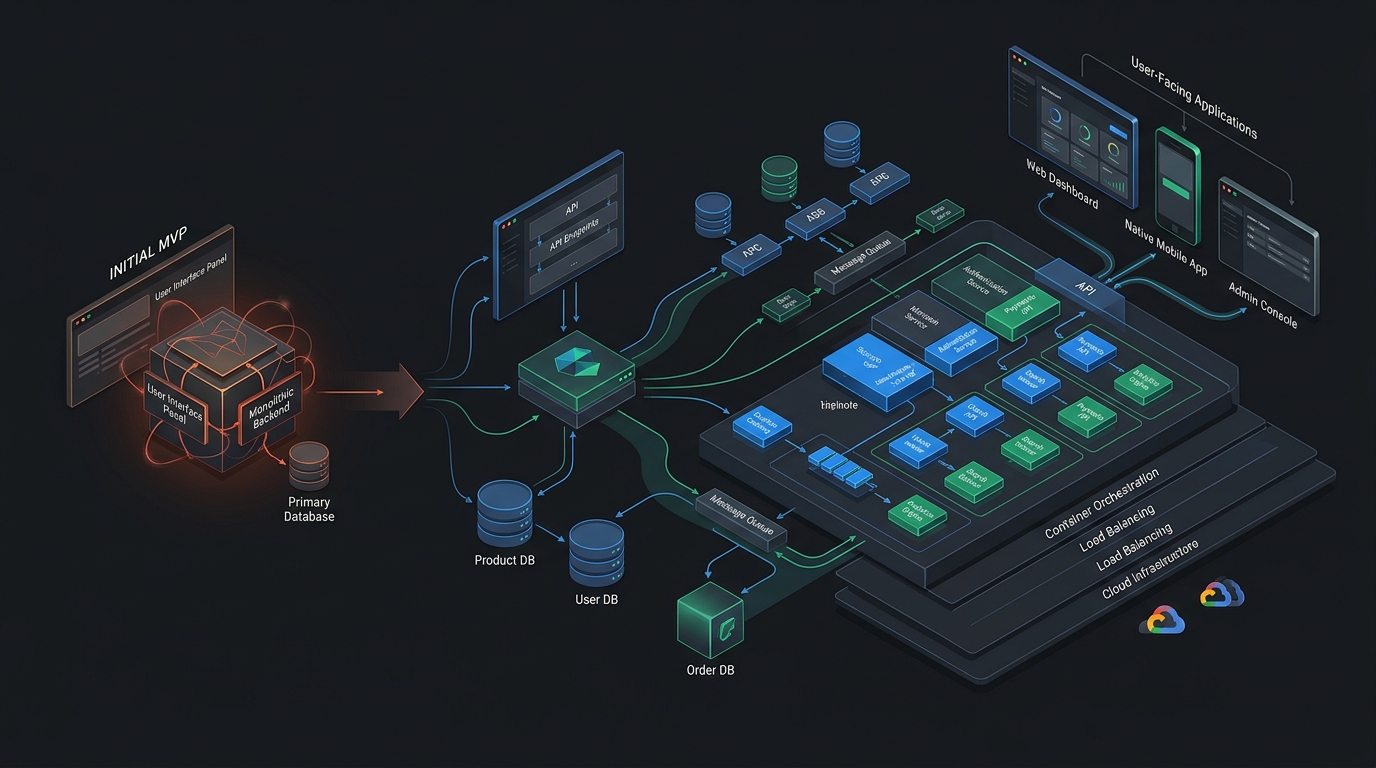
The browser cannot render server-generated content until the server responds. Common causes of slow server responses include expensive database queries, multiple API calls, external service dependencies, heavy computation, poor caching, and cold starts. Furthermore, complex architectures with sequential dependency chains can cause latency to accumulate rapidly:
Frontend
|
+-- CMS API
|
+-- Product API
|
+-- Pricing API
|
+-- Analytics API
|
+-- Recommendation API
Where appropriate, requests should be parallelized, cached, prefetched, combined, moved server-side, or deferred to reduce the critical path.
JavaScript and Asset Optimization
Modern frontend frameworks make it easy to ship too much JavaScript, forcing browsers to download, parse, compile, execute, and maintain runtime state for unnecessary components. Teams should ship less JavaScript using code splitting, tree shaking, lazy loading, server-side rendering, static generation, and partial hydration.
Similarly, images are frequently responsible for a significant percentage of page weight. A production system should utilize responsive image sizes, modern image formats, compression, lazy loading, CDN delivery, correct dimensions, and prioritization of critical images rather than sending overly large files to smaller displays.
Third-Party Scripts and Caching Economics
Marketing websites often accumulate third-party scripts for analytics, chat, heatmaps, A/B testing, and advertising, each introducing performance costs. Before adding a script, evaluate what business decision the data will enable, and load non-critical scripts asynchronously or after user interaction.
Caching can dramatically reduce repeated work by implementing a layered infrastructure:
Browser Cache
|
CDN Cache
|
Application Cache
|
API Cache
|
Database
The closer cached content is to the user, the less work the origin infrastructure needs to perform. Database performance must also be treated as a web performance concern, as missing indexes, N+1 queries, and inefficient query complexity can bottleneck the entire application stack.
Continuous Performance Management
“Make the website faster” is not a useful engineering requirement. Instead, teams should establish concrete performance budgets for JavaScript bundle size, total page weight, API response times, and Core Web Vitals thresholds. Performance should be tested continuously across development, automated checks, staging, and real-world monitoring:
Development
|
Automated Tests
|
Performance Checks
|
Staging
|
Real-World Monitoring
|
Production
Conclusion
The fastest websites are rarely fast because somebody performed a last-minute optimization; they are fast because the architecture was designed from the beginning to avoid unnecessary work. Performance is not polish applied to a finished website—it is a core product feature.